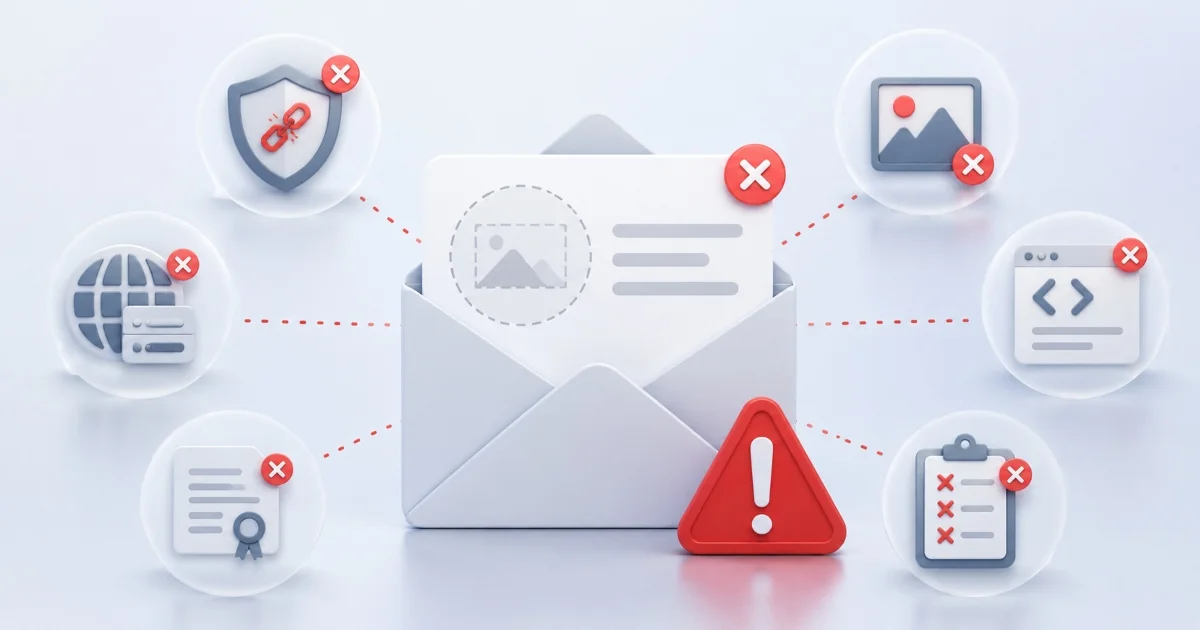
BIMI is one of the most satisfying email upgrades to implement…when it works. But for many organizations, the experience is not straightforward: everything looks “set up,” yet the logo never shows.
BIMI is strict by design. A single missing requirement or small misconfiguration can prevent it from displaying, often without obvious error messages. If you understand and avoid the most common failures, you can save weeks of frustration and diagnose issues faster.
DMARC Is Not Fully Enforced
This is the most common reason BIMI fails.
BIMI requires DMARC to be set to an enforcement policy. If your DMARC policy is still in monitoring mode, your logo will not display, no matter how perfect everything else is. BIMI won’t work with:
- DMARC set to p=none
- Partial enforcement (not applied to all mail streams)
- Inconsistent alignment across domains or subdomains
BIMI only works when inbox providers see that your domain is actively protecting itself against impersonation.
SPF or DKIM Is Failing (or Misaligned)
Even with DMARC enforced, underlying authentication must still pass. BIMI depends on at least one of the following:
- SPF passing and aligning with the From domain
- DKIM passing and aligning with the From domain
If SPF fails due to forwarding issues or DKIM is misconfigured, DMARC may fail silently, and BIMI will not display. Many BIMI failures trace back to:
- Forgotten sending services not included in SPF
- Broken DKIM signatures
- Misaligned domains between the authentication and the From address
The BIMI DNS Record Is Incorrect
BIMI relies on a specific DNS TXT record. If that record is missing, malformed, or published incorrectly, inbox providers won’t know where to look for your logo. Common DNS mistakes include:
- Typographical errors in the record
- Publishing the record on the wrong domain
- Incorrect formatting or missing parameters
- Pointing to a logo URL that isn’t publicly accessible
Even a small formatting error can make BIMI fail.
The Logo Does Not Meet BIMI Requirements
BIMI logo requirements are far stricter than most brand teams expect. Common logo issues include:
- Wrong SVG format
- Embedded fonts or scripts
- Non‑square dimensions
- File size too large
- Poor visibility at small sizes
A logo may look fine on a website, but still be unusable for BIMI. Inbox providers won’t display a logo that doesn’t meet their exact specifications.
The Logo Is Not Hosted Correctly
You need to host your BIMI logo in a way that inbox providers can access reliably. Frequent hosting problems include:
- Logo hosted on a restricted server
- HTTPS misconfiguration
- Redirects or blocked requests
- Temporary or unstable hosting locations
If an inbox provider can’t fetch your logo quickly and securely, it won’t display…without notifying you at all.
Missing or Invalid Certificate (When Required)
Some inbox providers need additional verification before showing logos consistently. Issues occur when:
- A certificate is required, but not present
- The certificate URL is missing from the BIMI record
- The certificate has expired
- The certificate does not match the logo or domain
Without the proper certificate, some inboxes will never display your logo, even if everything else is correct.
Low or Inconsistent Sender Reputation
BIMI is not guaranteed to display simply because it’s configured.
Inbox providers may suppress logos if:
- Your domain has a weak reputation
- Engagement levels are consistently low
- Spam complaints are high
- Sending patterns look unstable
BIMI rewards trustworthy behavior. If reputation signals are poor, the logo may be withheld, even with a technically valid setup.
Expecting Immediate Results
Even a perfect BIMI setup may not display instantly. Don’t:
- Expect the logo to appear in every inbox immediately
- Test with cached or previously delivered emails
- Skip accounting for inbox provider processing delays
BIMI display can take time to propagate, especially across multiple mailbox providers.
Testing in Unsupported or Inconsistent Inboxes
Not all inboxes display BIMI in the same way. Issues arise when:
- Testing in inboxes that don’t support BIMI
- Comparing behavior across different providers
- Assuming one successful display means universal success
BIMI visibility can vary based on provider rules, recipient settings, and reputation signals.
Treating BIMI as “Set and Forget”
BIMI is sensitive to change. It can break if you:
- Switch email vendors
- Add new sending domains
- Update DNS records
- Modify authentication settings
Any of these changes can break BIMI if not managed carefully.
When BIMI fails to display, it’s rarely because “BIMI doesn’t work.” If your logo isn’t showing, the issue is usually fixable—but only if you know where to look.
Want an expert to set up BIMI for you? BIMI Trademark is here for you! We can quickly set up BIMI and other email authentication services such as SPF, DKIM, and DMARC to get your emails into inboxes ASAP. Learn more at https://bimitrademark.com/
__ __